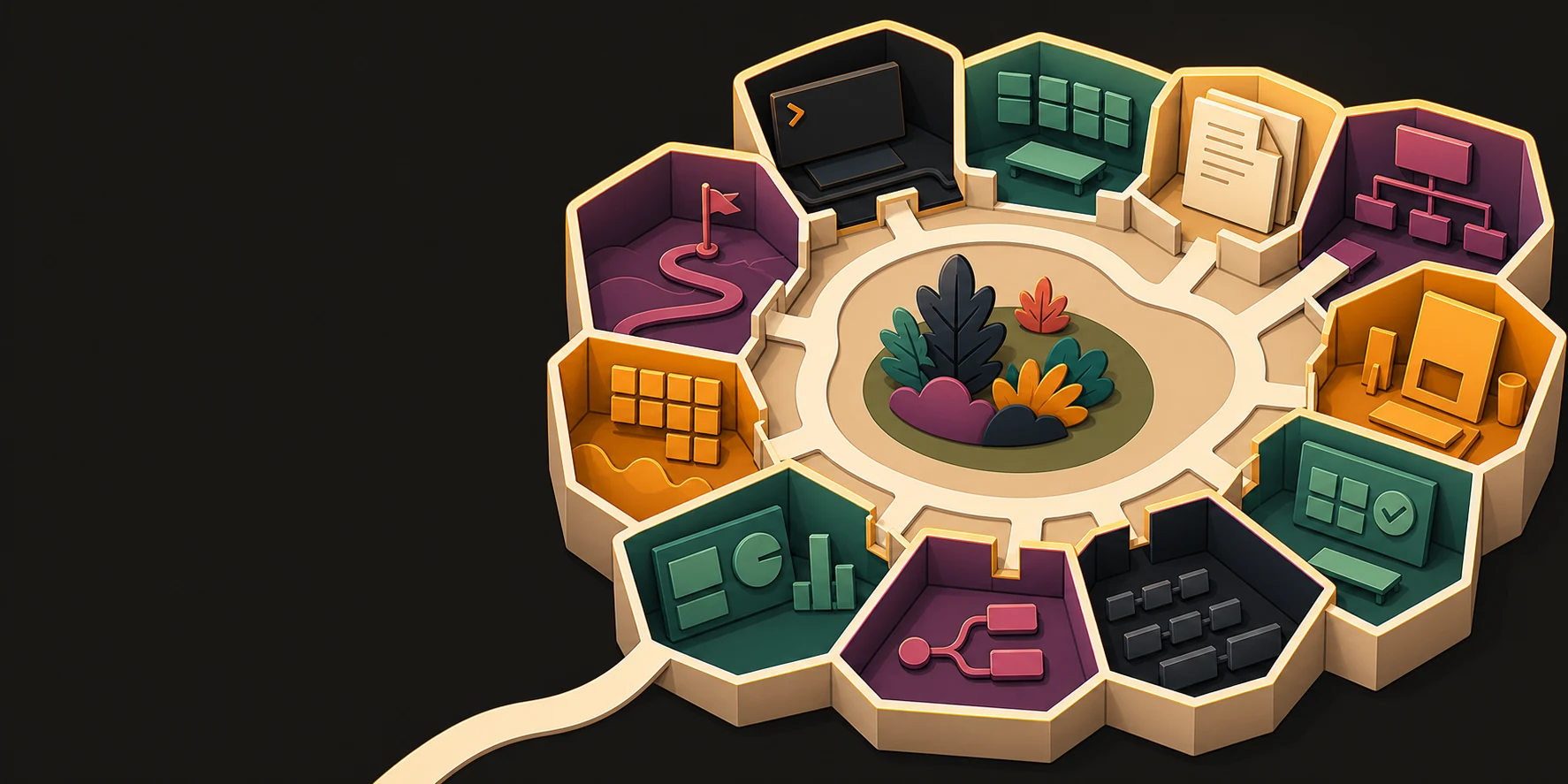
Surfaces
The conversation passes through whichever surface the work needs.
Twelve of them, equal weight, none hidden behind a "more" menu. All built in and included; most can run on a tool you already use instead.
The set
Twelve surfaces.
Every one of them is included, and every one of them opens inside the channel that needs it rather than in another tab.
- Terminal A shell on a worktree, in the channel that needs it. Built in
- Project Mounted repositories, a file tree, and the diff that matters. Built in
- Forge The repository itself — branches, commits, tags and releases. Built in, or connect GitHub, GitLab
- Docs A document an agent may suggest edits to, and a human accepts them. Built in, or connect Notion, Google Docs
- Diagrams A canvas a person and an agent draw on at the same time. Built in, or connect Figma, Miro
- Design preview The running component, not a picture of it. Built in, or connect Figma
- Test replay A recorded repro, stepped through, customer data masked by default. Built in, or connect jam.dev
- Review A pull request opens in the channel that produced it. Built in, or connect GitHub, GitLab
- Flow Agents, CI jobs, a human gate and a deploy — peers in one graph. Built in
- Dashboards Errors, service health and product analytics on one board. Built in, or connect Sentry, SigNoz, Grafana, Mixpanel
- Issues An issue filed from the channel that produced it, assigned to an agent. Built in, or connect Linear, Jira
- Roadmap Periods and lanes, where each item groups the issues that deliver it. Built in, or connect ProductBoard
Yours or ours
What runs each one.
Terminal, Project and Flow have nothing in the connect column, and that emptiness is deliberate. The machines, the files and the automation graph are Crusible's own foundation, not a view over someone else's system.
| Surface | Built in | Connect instead |
|---|---|---|
| Terminal | Included | Nothing to connect |
| Project | Included | Nothing to connect |
| Forge | Included |
|
| Docs | Included |
|
| Diagrams | Included |
|
| Design preview | Included |
|
| Test replay | Included |
|
| Review | Included |
|
| Flow | Included | Nothing to connect |
| Dashboards | Included |
|
| Issues | Included |
|
| Roadmap | Included |
|
How a surface behaves
Three rules every surface obeys.
It answers to the conversation
Opening an artifact card is a "go look at this" gesture. The surface takes the centre, chat steps aside, and closing it brings the conversation back.
Agents operate it
Whatever a surface can do, an agent with the right permission can do through it — including in a connected tool.
A human keeps authority
Agent edits to shared artifacts arrive as suggestions rendered as inline diffs. The document never changes underneath you.
Open the one your team lives in.
Every surface is included from the first channel. Nothing to add on, and nothing to wire up.